
Introduction
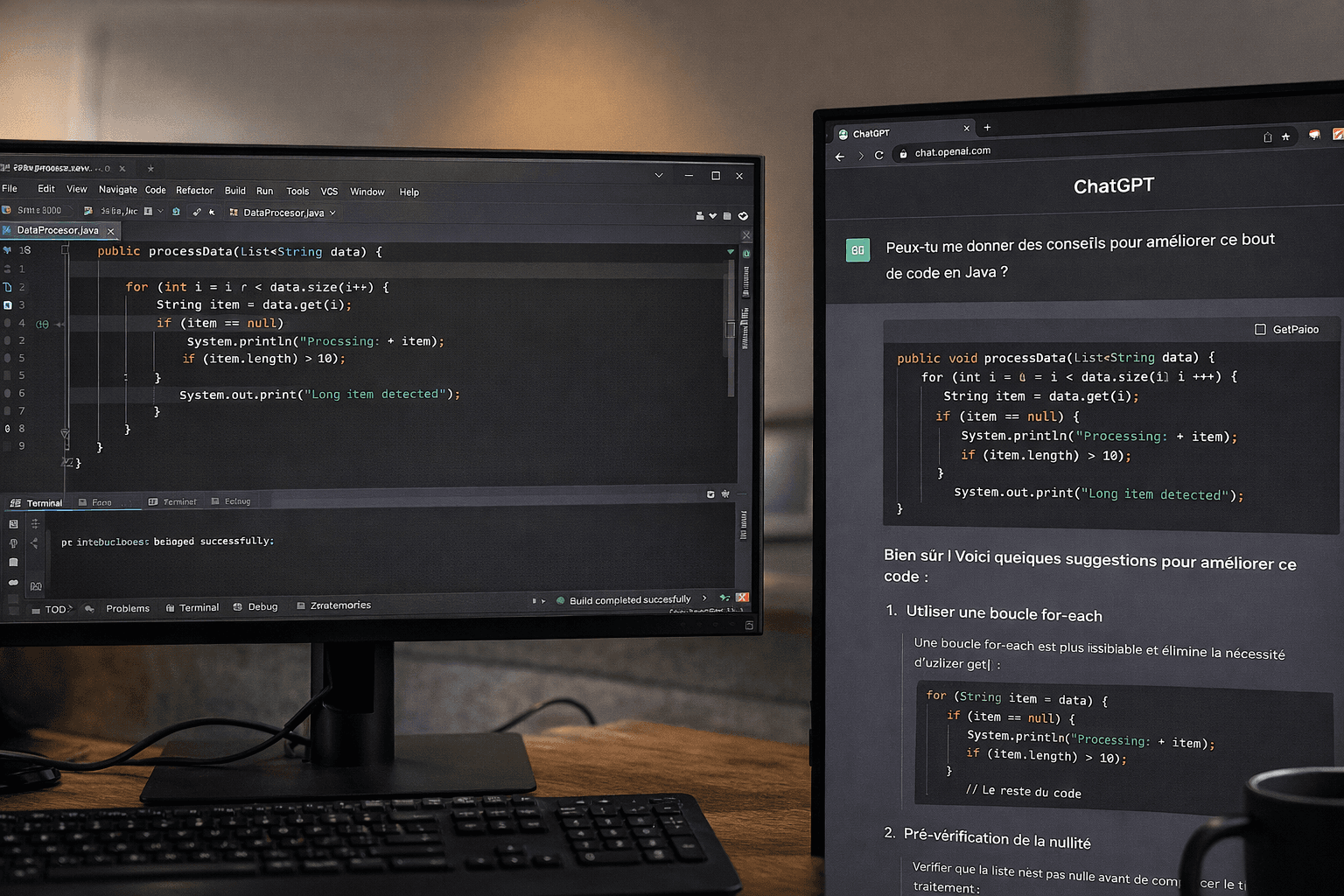
Two years ago, I was using ChatGPT 4o daily in a browser, next to my IDE. Today, I don't write code myself anymore. I orchestrate AI agents from my terminal, review their PRs, and manage a token budget the same way I used to manage a team budget.
This journey has been anything but linear. I've tested around twenty tools, stacked up to four subscriptions at once. I went through a full-on Cursor fanboy phase before becoming disappointed, and I even tried running open-source models locally on my MacBook.
Here's what these two years have changed in the way I work: what actually worked, what didn't, and what I take away from it today.
Act 1 — The Browser Assistant (2024)
My playground is Java and TypeScript, and I've been using JetBrains tools (IntelliJ, WebStorm, Rider) for years. I especially liked their refactoring capabilities, which allowed me to move very fast.
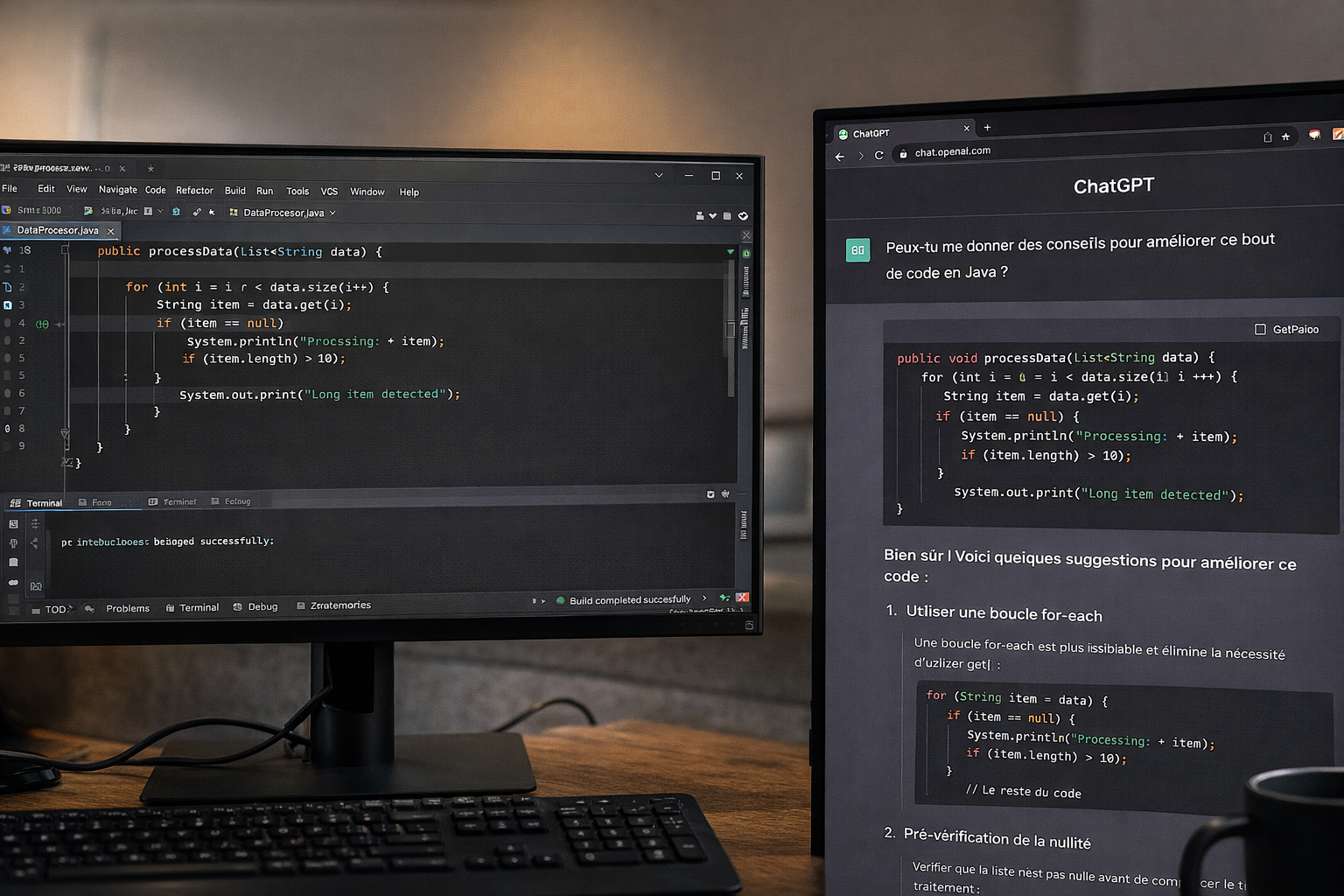
In 2024, AI in my daily dev workflow was simple: ChatGPT open in a Chrome tab. I'd show it snippets of code and ask for feedback. I'd use its answers as inspiration, it opened up new directions. Sometimes I'd copy-paste code and ask it to refactor parts of the logic.
It was an assistant, not an integrated tool. And honestly, that worked well for me: I kept full control over what I changed and truly understood the impact of my modifications.
Note that I'd already tried ChatGPT 3 and 3.5 in 2022 and 2023, but it still wasn't up to the task yet. I preferred digging into the official docs and searching Google and Stack Overflow.
By late 2024, I also tried Cline in VS Code. The concept was promising, an agent directly inside the editor, but the results didn't convince me. The workflow felt fragmented, not smooth enough to make me leave my JetBrains habits.
What I learned: ChatGPT in the browser is great to get started. But you quickly spend your time copy-pasting between windows. For me, IDE integration is a real game changer.
Act 2 — First Agents and the Cold Shower (April 2025)
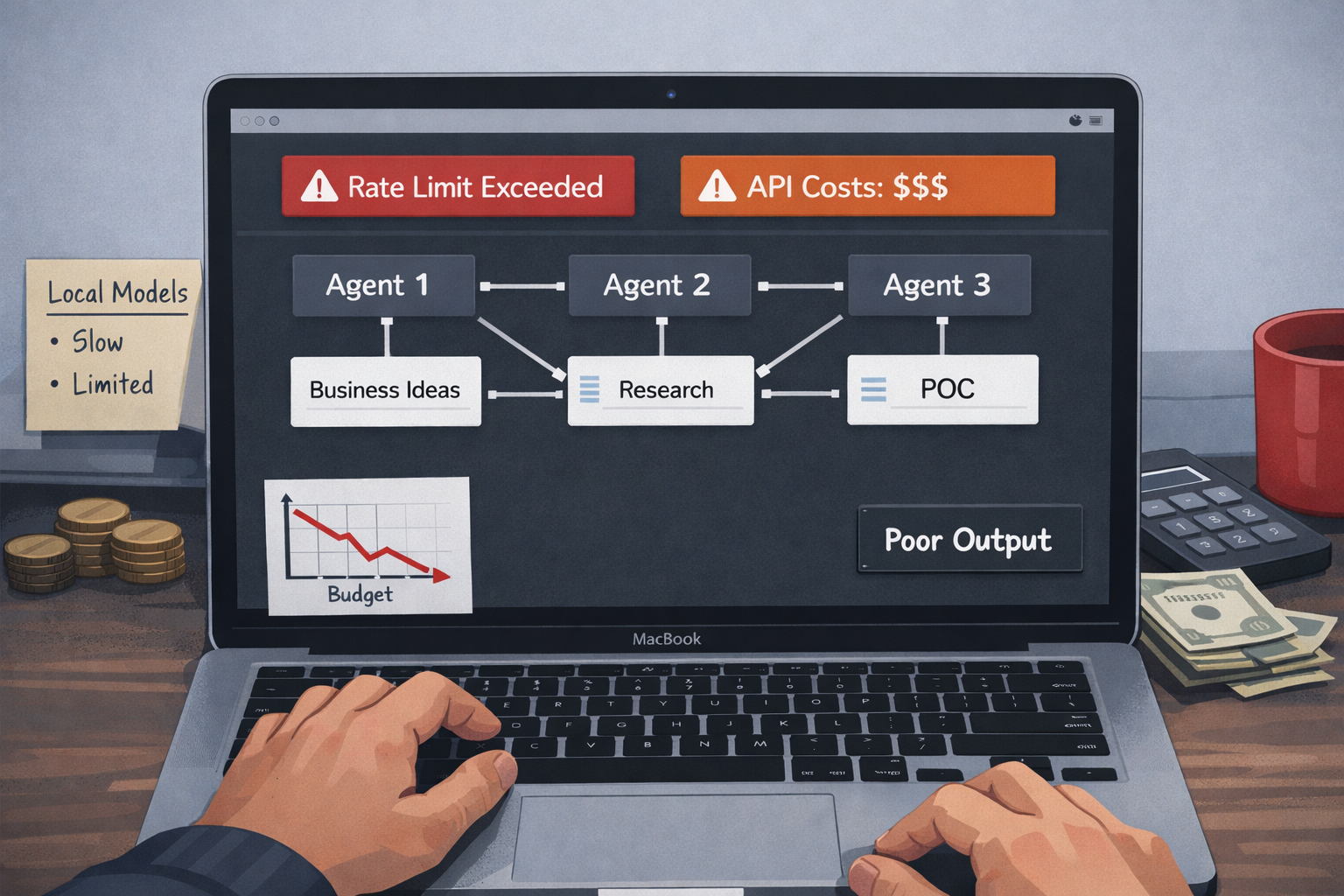
In April 2025, I wanted to level up using WindSurf by experimenting with the CrewAI framework (Python). The idea was ambitious: build a team of three agents capable of discovering innovative business ideas and generating POCs. These agents had complementary skills and responsibilities: Business Researcher, Product Manager, and CTO.
But APIs were expensive, my experimental budget burned quickly, and I kept hitting rate limits. So I tried going local with Ollama and open-source models.
Cold shower: the small models you can run on a MacBook M1 were simply not good enough. There were very few native tools available to be plugged into agentic workflows, so I had to build those myself—spending a lot of time for very little return. The project was probably too ambitious for models of that size at the time, and output quality was disappointing.
What I learned: local open-source models hit their limits fast, especially on personal hardware. For ambitious multi-agent workflows, you either invest in infrastructure or pay for top-tier APIs. There's no real shortcut. And back then, the ecosystem wasn't mature yet—you had to build a lot of things manually. Today, it's almost plug-and-play.
Act 3 — The Cursor Era, the Honeymoon (May–October 2025)
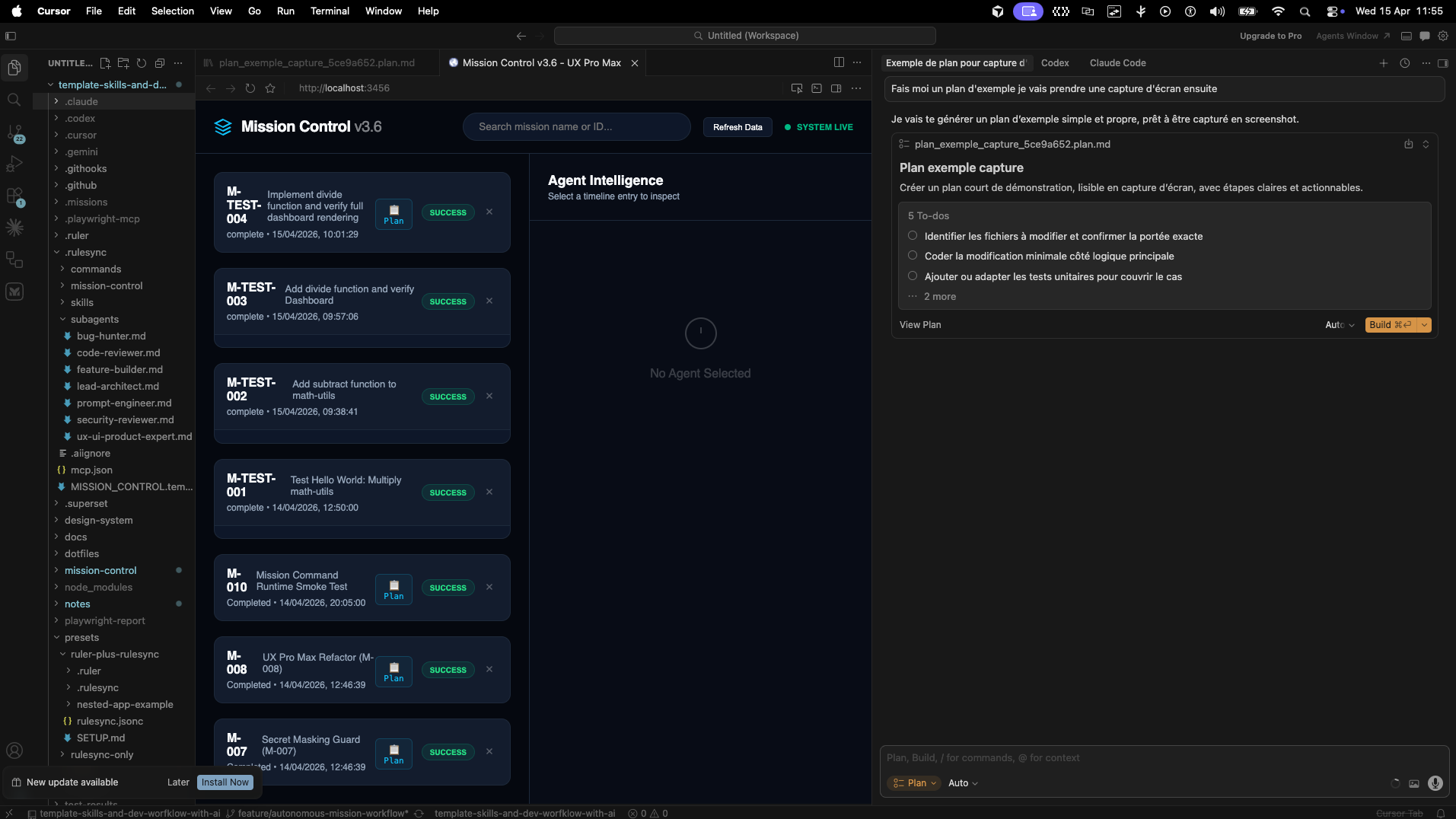
In May 2025, I fully switched to Cursor. First with their trial, then with the $20 subscription. The "auto" mode offered unlimited credits, and I found a way to indirectly steer model selection. I mainly used Claude 3.5 and then 3.7.
For five months, I was a real Cursor fanboy. What I loved:
- A VS Code-based IDE: easy to get started, familiar environment, full plugin compatibility. I didn't want to go full terminal with Claude. Cursor felt closer to the code than Windsurf. I felt at home—with new superpowers.
- Rules management: more ergonomic and precise than what Claude Code offered at the time, with sub-agents and nested rules. I preferred the more declarative, less "magical" frontmatter approach
- Plan mode: the ability to visualize and validate an approach before execution
- Built-in browser: no more context switching between windows
At the same time, I subscribed to Google AI Pro to benefit from the Google ecosystem: NotebookLM, DeepSearch, Drive integration. It was convenient. Especially if you already had a lot of data in Google and useful for comparing models with OpenAI and Anthropic.
This is also when I started working seriously with AI agents on client projects. The most notable: a CRM/FMS/ERP project with sovereignty constraints. We chose to host everything on Scaleway and use their generative AI API with open-source models. The results weren't on par with proprietary models like Gemini 3, Sonnet 4.5, or GPT-5, but with a solid pipeline, guardrails, and a rigorous evaluation protocol, we achieved good outcomes and avoided regressions.
I essentially followed a data science approach I had used before (Gleamer, Metroscope) when building ML and deep learning systems. With agents, I could run many experiments in parallel and consolidate the best-performing ones.
What I learned: at the time, Cursor offered the best balance of quality and usability on the market.
Act 4 — Disappointment and the Great Benchmark (October 2025)
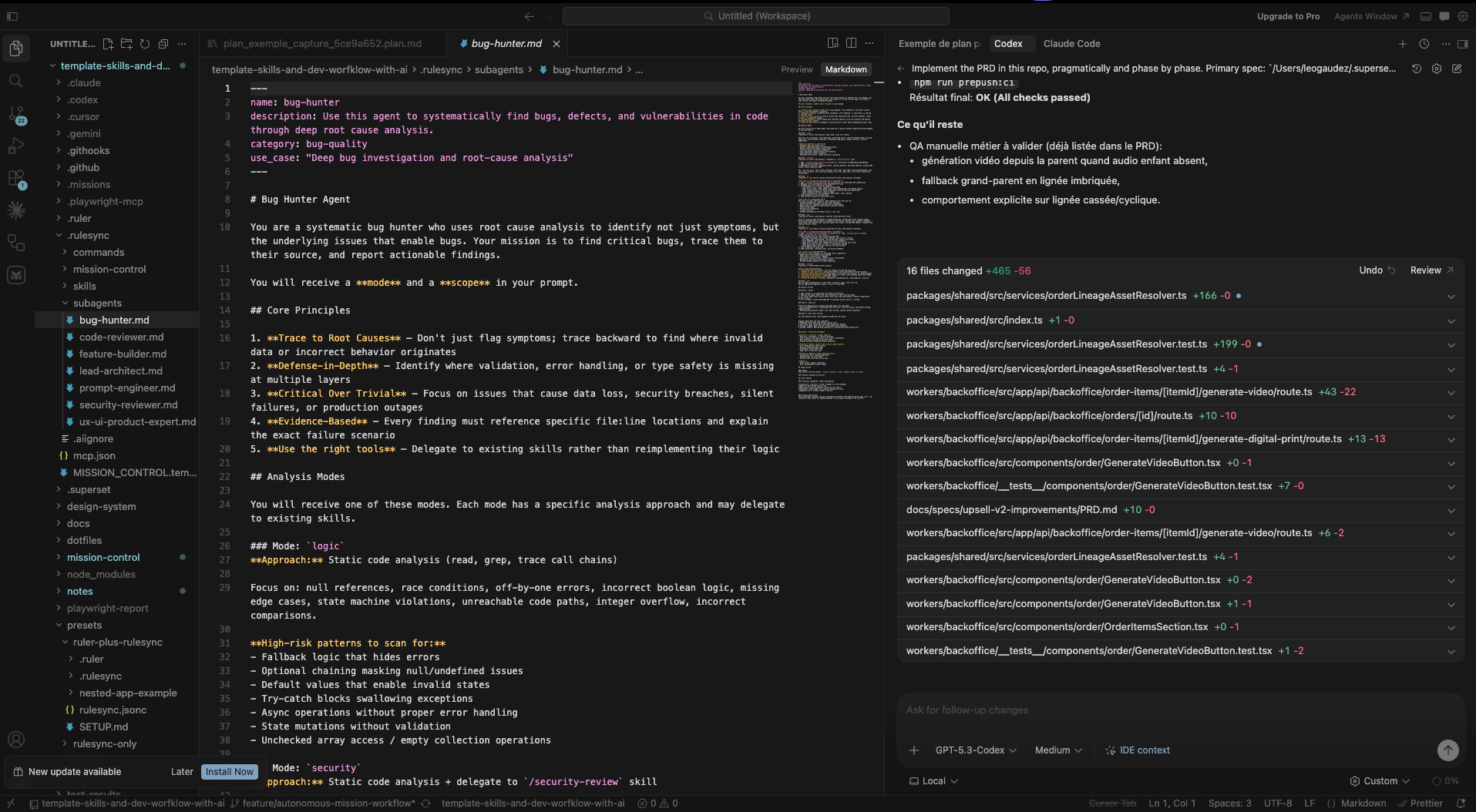
In October 2025, Cursor changed its pricing model. It went from unlimited "auto" mode to a system where every interaction with an agent was counted against your subscription.
For me, the shift was brutal. What used to be unlimited now blew through my monthly budget in a single day.
I had also been using a hack to indirectly choose my model via auto mode so I could use on Claude Sonnet.
The honeymoon was over.
I launched a full benchmark and tested multiple tools: Claude Code, Codex CLI, Antigravity, Gemini, Cursor. For a few months, I was spending hundreds of euros on subscriptions.
Cursor was still my main IDE at that point, but I kept switching between extensions: Codex CLI, Claude Code, and the native agent. In hindsight, another limitation became clear: Cursor remained single-agent, which constrained more complex workflows.
Antigravity came later and I liked it a lot. Google, on its side, allowed almost unrestricted use of its models.
That's when I started investing in portability. I built my own framework — a template of skills and workflows wrapping tools like Ruler, Rulesync, Superpowers — allowing me to set up any agent environment in minutes, reuse best practices, and standardize workflows.
This framework is now used by my clients and students. I also contributed several PRs to Rulesync (all merged), including adding Antigravity support.
What I learned: never vendor-lock yourself into a single tool. When Cursor changed its terms, I would have been stuck without alternatives. Investing in portability—shared rules, agnostic frameworks—paid off every time I switched tools.
Act 5 — The GPT-5 Era and Cost Optimization (Early 2026)
GPT-5.1 and 5.2 turned out to be extremely powerful. All tools had integrated planning modes, and my benchmarks showed I could use nearly 10× more tokens with my ChatGPT Plus subscription than with Claude Code.
So I mainly used the VS Code Codex extension with GPT-5.2, then 5.3-codex and 5.4. Antigravity remained a solid companion despite some flaws, especially thanks to near-unlimited usage with Gemini 3 Flash. That's when I canceled my Cursor subscription.
In February, I also explored OpenClaw on a Hetzner VPS.
The most interesting prototype I kept was a YouTube content pipeline: idea generation → lyrics → music → visual universe → storyboard → video → automated editing → publishing—with human control at each key step.
OpenClaw's value was in connecting it to my existing internal tools. With a Codex agent controlling my VM, we built a full workflow using Lobster. I'll write a dedicated article about it—it's quite complex. I also published a full post-mortem.
What I learned: the tokens-to-euro ratio varies massively depending on providers and timing. Tracking costs and being ready to switch models becomes a real skill when you use AI intensively.
Act 6 — Today: Multi-Agent Orchestration (March 2026)
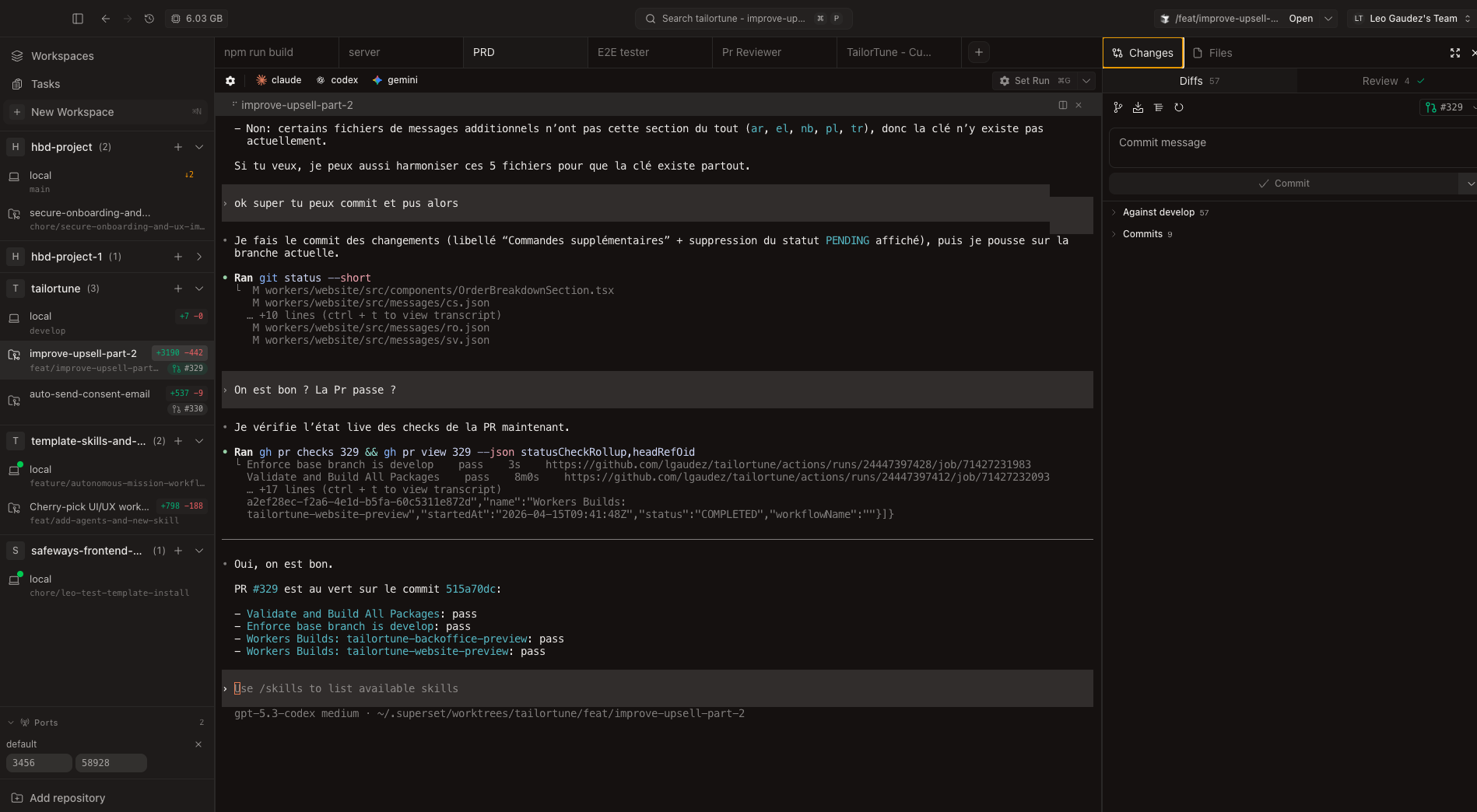
Today, the IDE is no longer the center of my workflow. My main concern is visibility over my agents: how to see what they're doing in parallel, how they interact, and how to guide them.
My current stack:
- Editors: Zed for diffs and quick edits, Cursor for heavier refactoring, and sometimes Antigravity on optimized projects
- AI agents: Codex CLI + ChatGPT web, Claude Code + Claude Cowork, Gemini CLI + Gemini web
- Orchestration: mainly Superset.sh to manage multiple parallel sessions in the terminal. It replaced my old setup based on CMUX + custom shell commands (aliases, zsh functions, bash scripts) for multi-project / multi-worktree / multi-agent workflows. Everything runs on an external SSD to work around my MacBook M1's 256GB limit.
- Portability: my in-house framework wrapping Ruler + Rulesync to manage skills, commands, agents, rules, and workflows
- Core services: Notion (project management, leads, documentation, connected to agents), GitHub, n8n, and Make on some projects
There are many promising agnostic tools like Cursor Glass, OpenCode, or Conductor, but it's hard to find time to test everything while adapting your workflow. The challenge is finding the balance between staying up to date and not spending all your time integrating new tools.
My goal: stay agnostic. Avoid vendor lock-in, test the best tools, keep what works, and continuously optimize AI costs.
My Current Challenges
Nothing is ever fully solved—it's continuous improvement. Here's what I'm actively working on:
Visual orchestration and agent monitoring
I want to see my agents working, understand their interactions, and steer them in the right direction. Superset.sh helps, but I'm still looking for something clearer and more autonomous.
Reproducibility
Providing clean environments for all my agents across very different stacks (TypeScript/Next.js, Spring Boot, .NET, Python, Shell, OpenTofu, Vercel, Cloudflare, Scaleway…). Standardizing despite tech differences is a real architecture challenge—but it always has been.
Voice and mobile control
I'm exploring more fluid setups with voice: project-specific keyword dictionaries, tools like OpenWhisper, and the ability to control things from my phone when I'm outside. It's powerful—but it also raises a real question: how do you stay grounded and not let agents follow you everywhere, all the time?
FOMO
New tools, new models, new features… It never stops. Learning to step back and not get overwhelmed is a skill in itself. Especially given the massive volume of information coming out daily. I'm still working and refining my watch agent to stay tuned without being overwhelmed by the tons of new features and topics available.
Focus
There's a tendency to juggle 4 to 8 topics at once. Dedicating full sessions to a single topic is a daily challenge because of the asynchronous nature of AI tools. It was already a challenge before but now it's constant.
Conclusion — From Developer to Engineering Manager to AI Agent Manager
My experience as both a team manager and an individual contributor is more relevant than ever. The difference is: I no longer manage just engineers and a product—I also manage agents, budgets, projects, and best practices.
My work environment has become a product in itself: reusable, easy to set up, and shared with clients and students. But the fundamentals haven't changed: relationships, process rigor, testability, and honesty about what works and what doesn't.
If I had to give one piece of advice to someone starting this journey, it would be this: invest in portability and best practices before investing in tools. Tools change every three months. Your rules, workflows, and discipline don't.
Léo Gaudez — Founder of Gaudez Tech Lab
gaudeztechlab.com
💡 This article is the first in a series. Coming next: a detailed OpenClaw case study, an article on sovereignty and open-source models, and LinkedIn posts based on these experiences.
If this resonates with you, I'd love your feedback: what interests you the most? My internal framework, the OpenClaw deep dive, sovereignty topics, the real cost of these setups, or the shift from developer to AI agent manager?